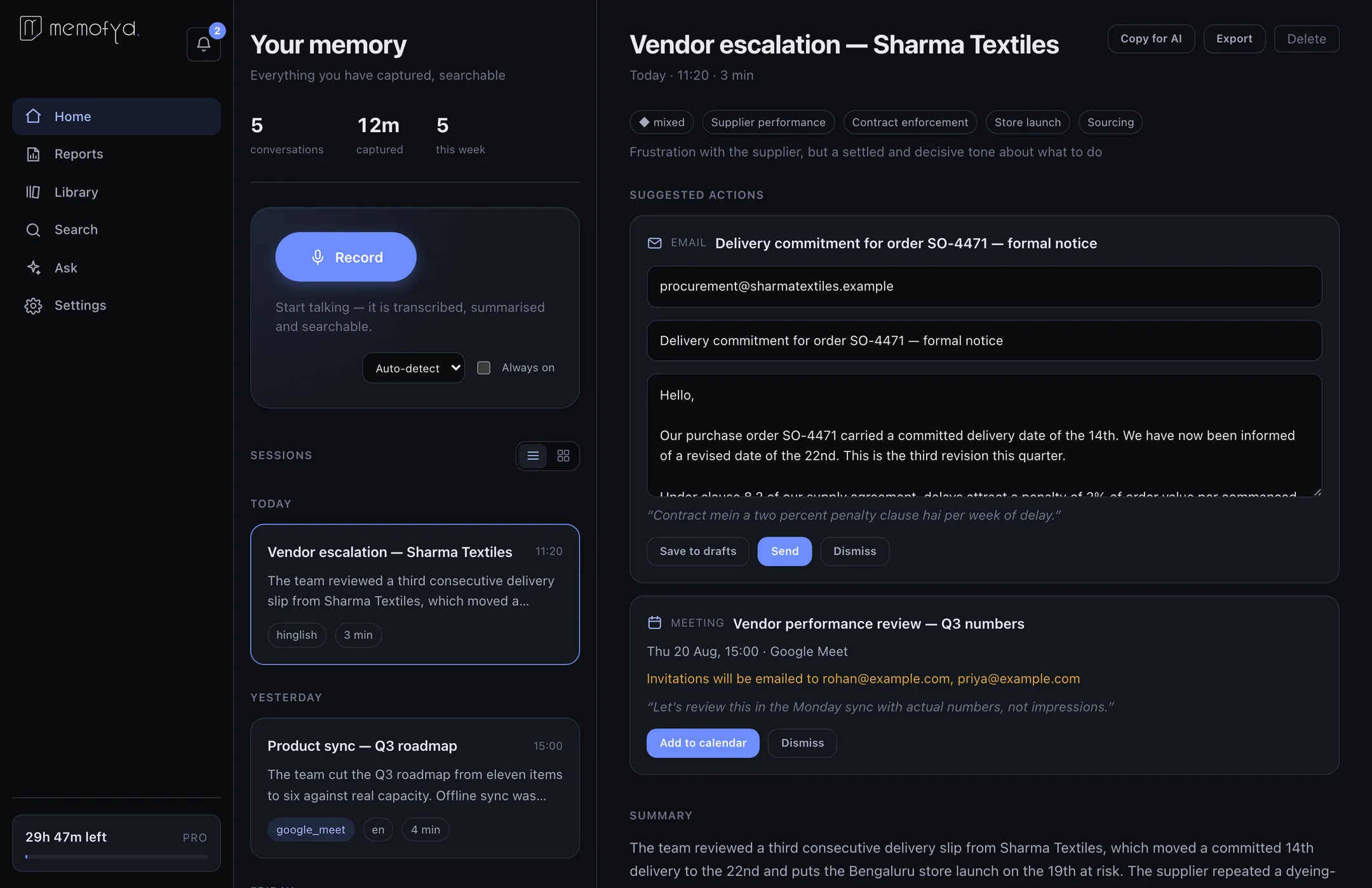
What you get after the first recording.
Download · v0.1.0
Free to try — 60 minutes of recording with every feature unlocked. No card, no trial countdown.
What you get after the first recording.
Both warnings appear because this build is not code-signed yet — certificates cost several hundred dollars a year and we have not bought one during early access. Nothing is wrong with the download.
| Build | File | Size | Meeting capture | SHA-256 (first 16) |
|---|---|---|---|---|
| Windows 10/11 | Memofyd-Setup-0.1.0.exe | 121 MB | Yes | bae19882dad15177 |
| Mac — Apple Silicon | Memofyd-0.1.0-arm64.dmg | 164 MB | Yes | 5ad18907c08d3779 |
| Mac — Intel | Memofyd-0.1.0-x64.dmg | 166 MB | No | 6d9dcafb3577736d |
Meeting capture relies on a recording engine that ships only for Apple Silicon and
64-bit Windows, so it cannot run on an Intel Mac. Everything else on that machine
works normally. Verify a download with shasum -a 256 on macOS or
certutil -hashfile on Windows.

Use Google, or an email address — a six-digit code arrives in seconds. Google is optional and everything works without it.
macOS asks the first time you record. On Windows, meeting capture also asks to record the screen.
Stuck? Read the FAQ or get in touch.